

The 80/20 Budget Blueprint
5 Prompts That Build Your Spending Plan + Bonus Prompt for $100 Win
This copyrighted guide is exclusively for subscribers of Miss Figure It Out. Please don’t share this link or the pdf outside the community. Encourage others to subscribe for their own copy here.

Hey, I’m Kimika — way to go for taking this step!
Allow me to share a bit about myself. In 2016, I had $25 in my bank account, a credit score circling 400s, and almost $150K in debt. Debt collectors called daily, and every ring made me feel smaller.
I didn’t climb out of that hole with some miracle windfall. I started with what I now call the 80/20 Budget — cutting ruthlessly where it didn’t matter, while keeping the few things that kept me sane. That discipline gave me momentum to make bigger moves and eventually pay off ~$150K in debt.
But maybe debt isn’t your issue — maybe it’s keeping more of the money you make, or just feeling like you’re “bad with money.” I've been there. These prompts are still for you.
Because I know “budgeting” can sound like giving up your whole life.
Here’s the shortcut: 5 ChatGPT prompts that build you a custom budget in minutes, using the 80/20 method that worked for me.
Budget with 5 ChatGPT Prompts + Bonus

How to Use This Guide
1. Open ChatGPT (setting up an account is free and you only need the free version for this guide).
- If you don't use ChatGPT feel free to use Grok, Gemini or Claude either works
2. Copy a prompt below one at a time.
3. After you paste a prompt wait for it to respond.
4. Answer the it ask you honestly — this works best when you’re real about your numbers.
5. Do steps 2 - 4 for each prompt.
6. Save your results and start using them immediately.
Note* At the end of each response its going to ask if you want it to do something else. Ignore that and continue following steps 2- 4 until your done.
Let's Get Started
Prompt 1 – Income & Fixes Expenses
Step One: See the box that says "Prompt to Copy" and the button that says "Click to Copy." Select that button to copy the message then paste it into ChatGPT.
Step Two: See the button that says "Response to Give Chat." Select that button a box will pop up for you to fill in the information ChatGPT needs. Once you fill that out there will be a button for you click-to-copy what you entered then paste it into ChatGPT.
1. Prompt to Copy
2. Response to Give Chat
1. Prompt to Copy
2. Response to Give Chat
Prompt 2 – Identify Your Top 3 Joys
Step One: See the box that says "Prompt to Copy" and the button that says "Click to Copy." Select that button to copy the message then paste it into ChatGPT.
Step Two: See the button that says "Response to Give Chat." Select that button a box will pop up for you to fill in the information ChatGPT needs. Once you fill that out there will be a button for you click-to-copy what you entered then paste it into ChatGPT.
Prompt 2 – Identify Your Top 3 Joys
Step One: See the box that says "Prompt to Copy" and the button that says "Click to Copy." Select that button to copy the message then paste it into ChatGPT.
Step Two: See the button that says "Response to Give Chat." Select that button a box will pop up for you to fill in the information ChatGPT needs. Once you fill that out there will be a button for you click-to-copy what you entered then paste it into ChatGPT.
1. Prompt to Copy
2. Response to Give Chat
Prompt 3 – 80/20 Allocations Engine
Expected Output:
Prompt 4 – Category Blueprint
Expected Output:
Prompt 4 – Category Blueprint
Expected Output:
Prompt 5 – One-Month Tracker (Downloadable)
Expected Output:
+ The BONUS Prompt
Find Your First $100 in 7 Days
Why: This prompt helps you find extra money within your spending
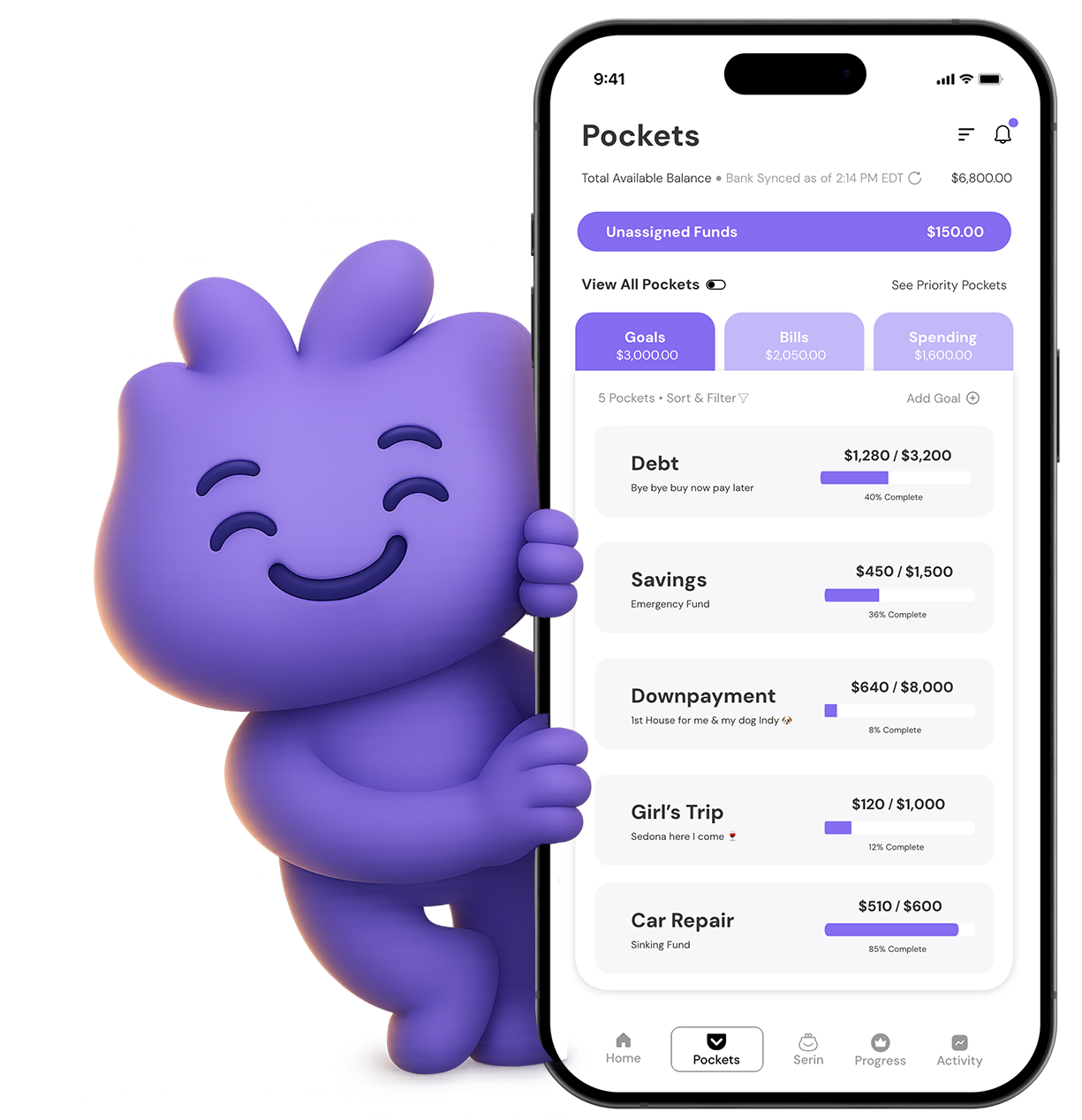
What if this took a fraction of the time?
Wait ‘til you meet Serin.
You just did the hard part manually — now imagine if a budgeting app did it instantly. That’s Serin. It connects your spending, learns your patterns, and adapts when life changes so you can finally stick with a budget that lasts.
PDF Version of 80/20 Budget Guide
5 ChatGPT Prompts for Millennial Women Who Want Financial Freedom Without Losing Everything They Enjoy
© Miss Figure it Out. All Rights Reserved.